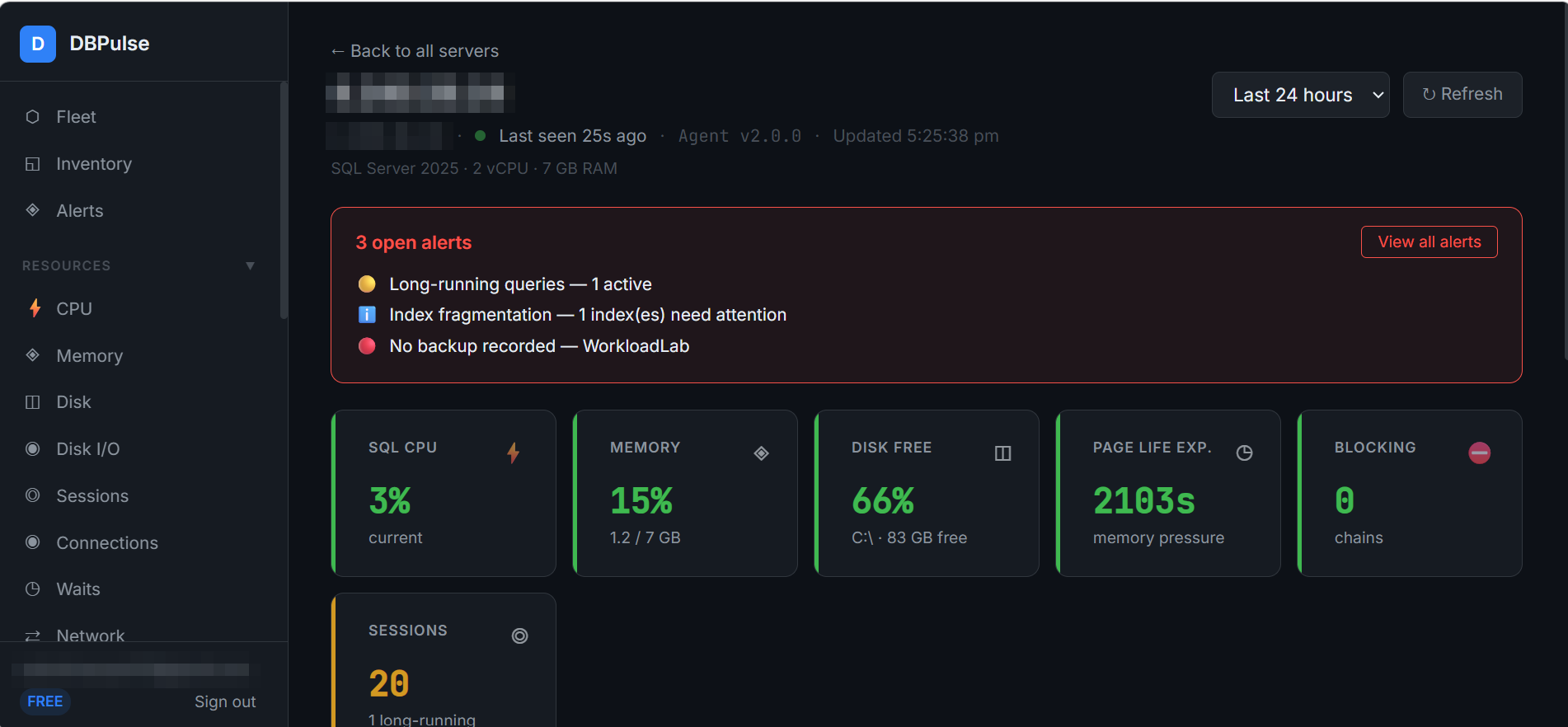
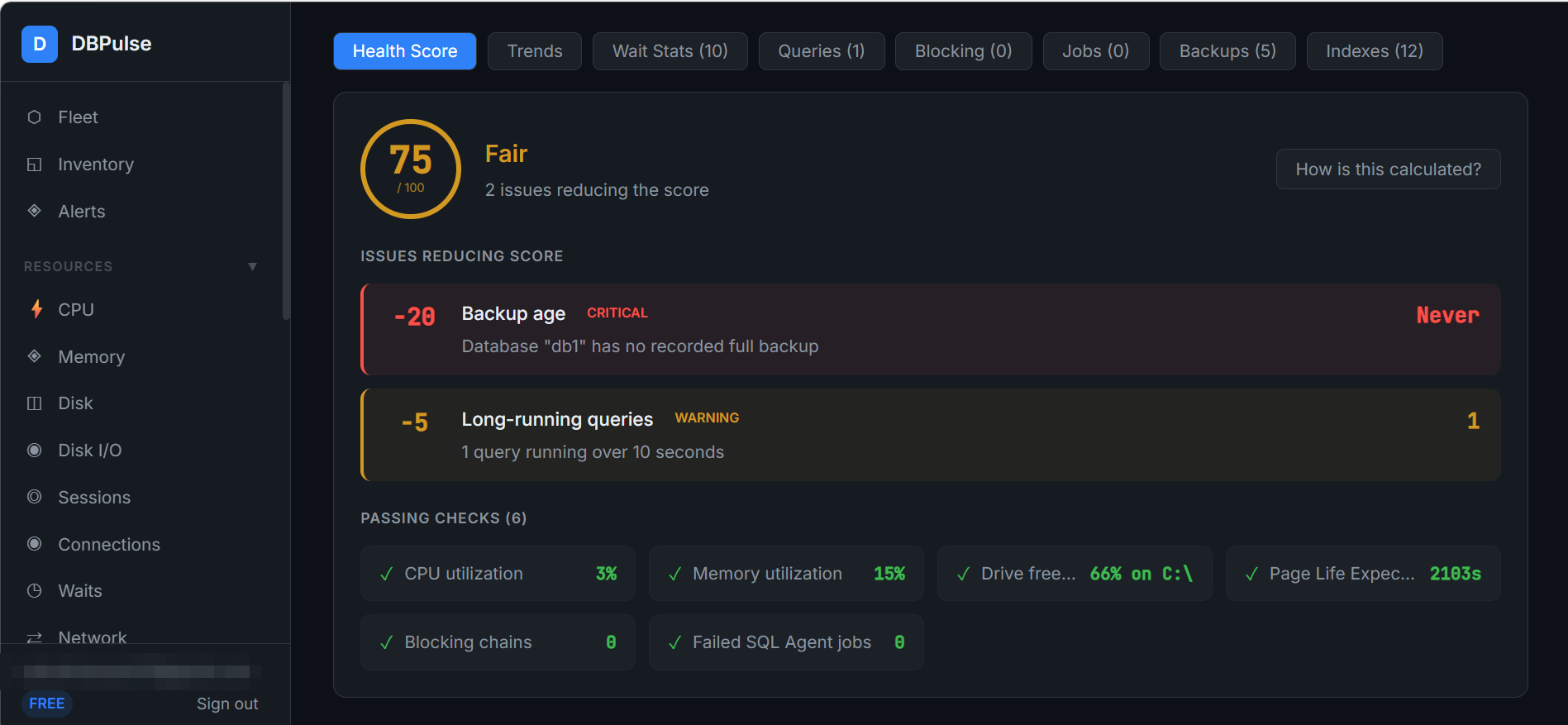
Click any server to open its detail page. At the top you see how many alerts are open and the headline numbers — SQL CPU, memory, disk free, page life expectancy, blocking and sessions — with a time-range selector (for example, Last 24 hours). Tabs along the top take you to the Health Score, Trends, Wait Stats, Queries, Blocking, Jobs, Backups and Indexes for that server.