SQL Server monitoring

Know what your fleet needs before it pages you

DBPulse watches every SQL Server instance, scores its health, raises alerts, and explains what's wrong in plain English — so you spend less time translating DMV output and more time fixing things.

Agent-based collection Plain-English diagnosis Backups, jobs & indexes
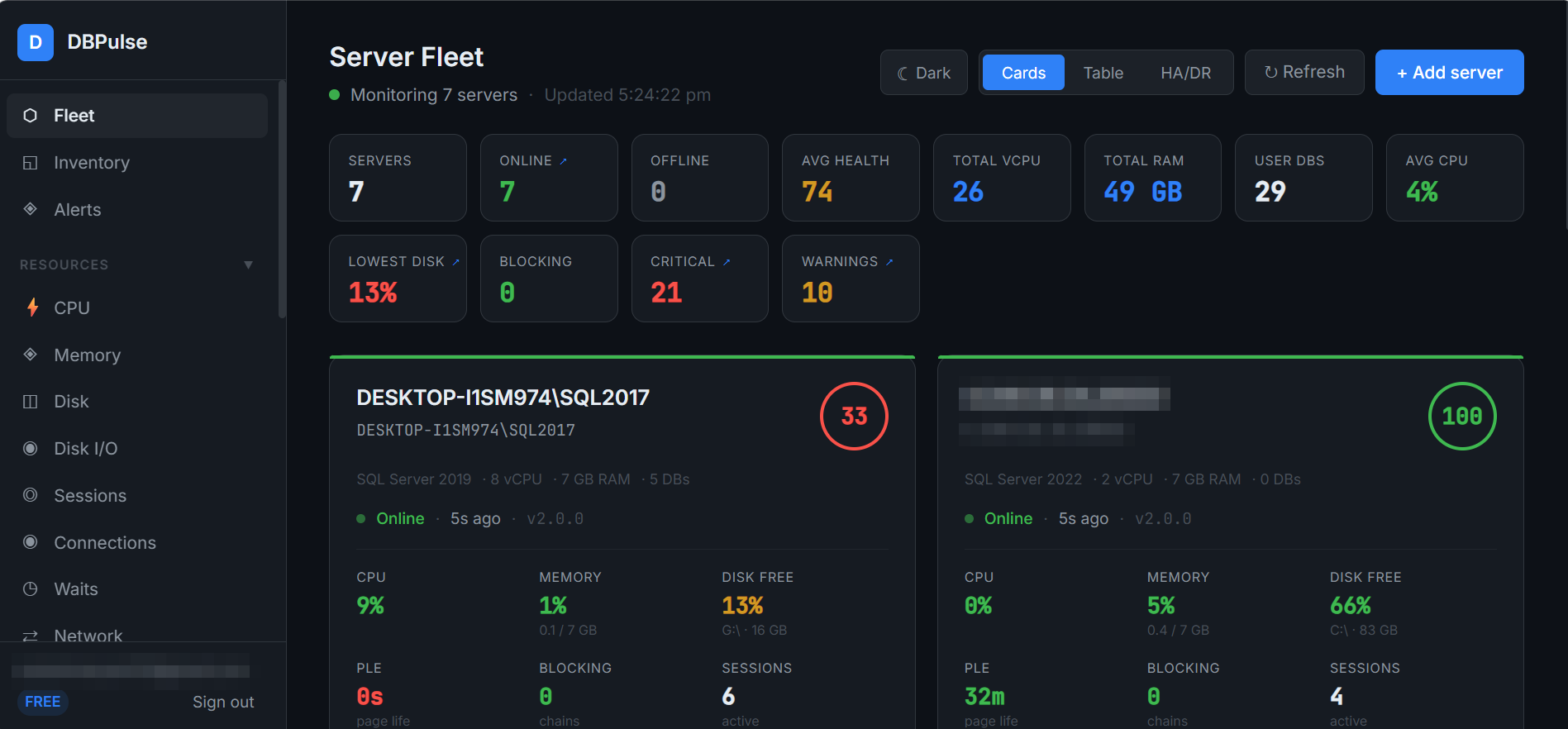
Fleet Overview
DBPulse Fleet Overview dashboard

Connected and diagnosed in three steps

Register a server, connect the agent, and watch it appear on the fleet screen with a health score.

01

Register your servers

Add a server from Manage Servers and connect the DBPulse agent to it.

02

Watch the fleet settle in

Every server shows up on Server Fleet with a composite health score, so you know what needs attention first.

03

Ask Doctor AI what to do first

Run a Doctor AI diagnosis for a prioritised, plain-English action list — then continue the conversation in DBA Chat.

75 / 100

One number that explains itself

Every server carries a health score out of 100. When it drops, DBPulse shows exactly which issues cost points and by how much.

  • −20 Backup age (critical): a database has no recorded full backup
  • −5 Long-running queries (warning): 1 query running over 10 seconds
Based on a real DBPulse screen

The platform at a glance

A quick summary of what's in the box.

0
Resource screens: CPU, Memory, Disk, Disk I/O, Sessions, Connections, Waits, Network
0
Server Detail tabs: Health Score, Trends, Wait Stats, Queries, Blocking, Jobs, Backups, Indexes
0
AI assistants: Doctor AI and DBA Chat

What DBPulse shows you

A quick look — every screen has its own page, with screenshots.

See the full product tour →

Ready to see it on your own servers?

Register a server and see it on the fleet screen.

Get a demo